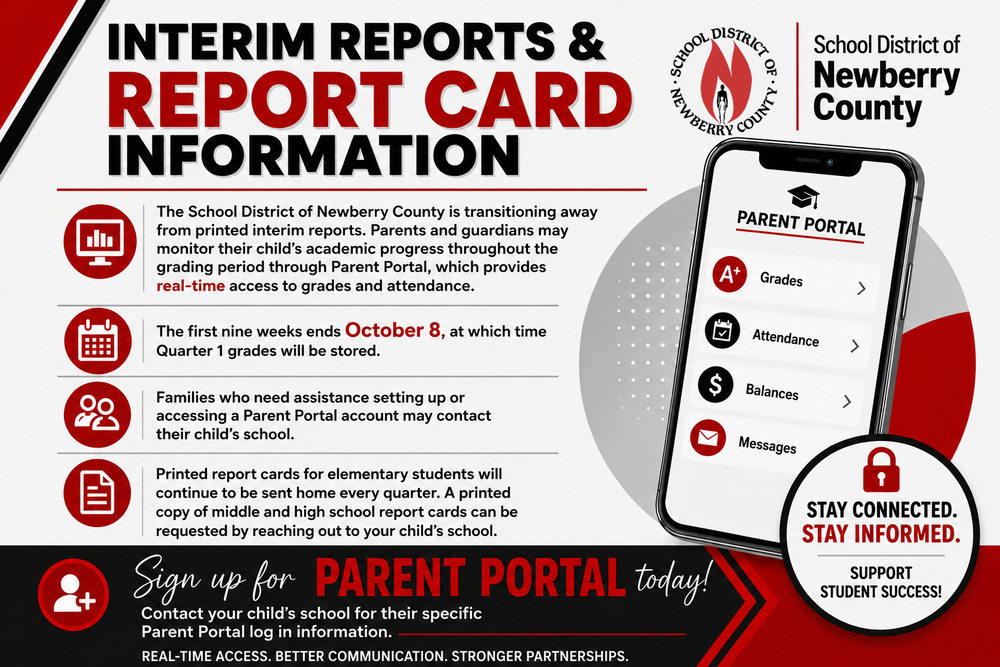
The School District of Newberry County is transitioning away from printed interim reports and report cards. Parents and guardians may monitor their child’s academic progress throughout the grading period through Parent Portal, which provides real-time access to grades and attendance. Quarter 1 Report Card grades are now posted for viewing.
Families who need assistance setting up or accessing a Parent Portal account may contact their child’s school. A printed copy of middle and high school report cards can be requested by reaching out to your child's school.
Helpful Parent Tools & Resources - Take advantage of these digital tools to stay informed about your student’s grades, schedules, and assignments directly from your mobile device or computer.
Directions on How to Access Parent Portal: PowerSchool Parent Portal is an app that will allow parents to view their students' schedule, assignments, and grades. Please visit the provided links for information on how to sign up for access to Parent Portal:
How to Sign-In to Parent Portal and How to Set Up the Parent Portal Mobile App. If you have any questions on how to access Parent Portal please contact Ms. Caughman at
.
Parent Access to Student Schoology Account Information: At MCHS, we use Schoology, an integrated learning management solution that provides course management, mobile learning, and support for system-wide communication. Schoology enables our students, parents, and teachers to engage with learning materials and their school community from the classroom and beyond. To get your student’s Parent Code for Schoology, email Ms. Cohen at kcohen@sdnc.org. Take a look at our Parents’ Guide to Schoology to learn more!